

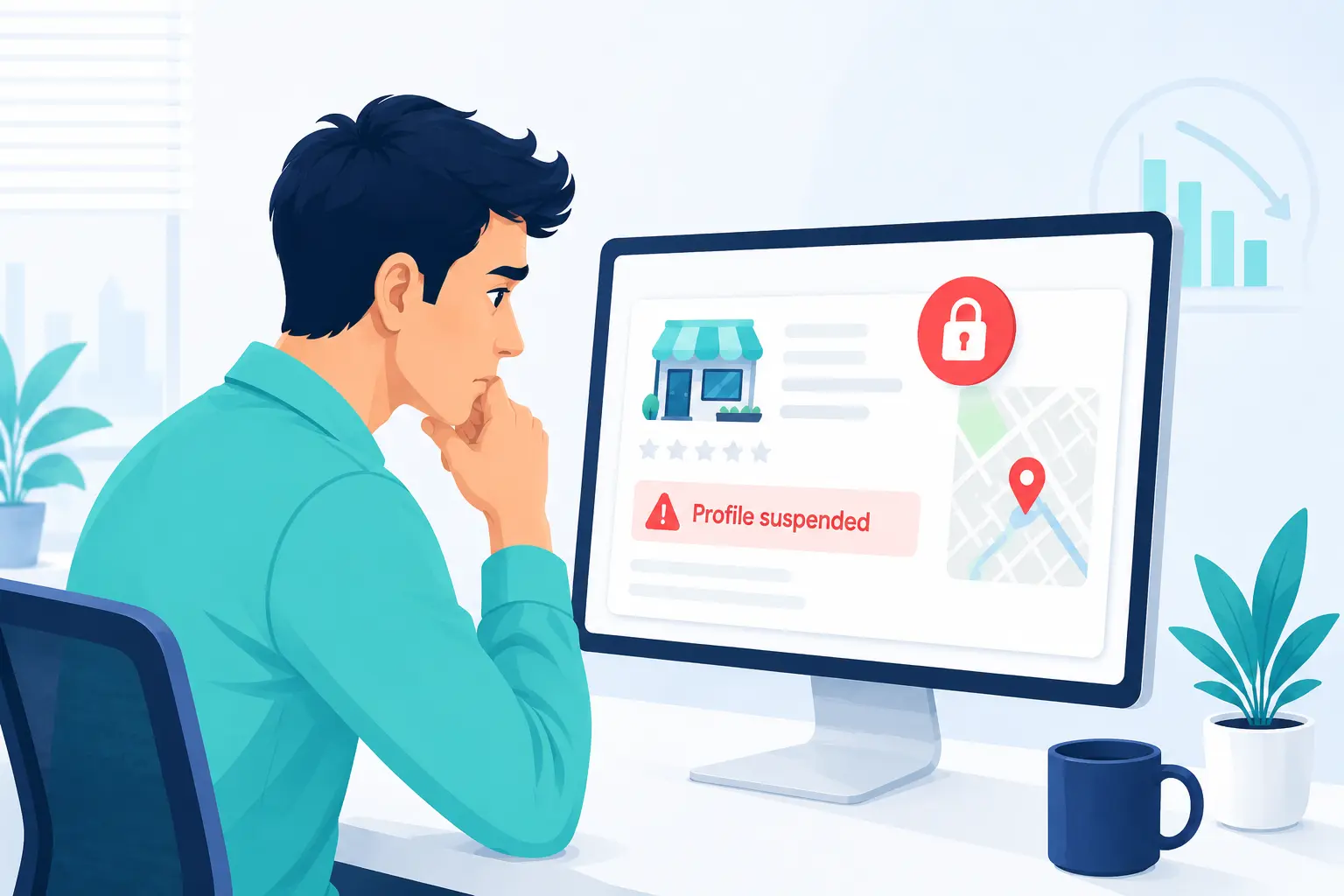
More than 75% of searches on Google are for local businesses. Having your Google Business Profile suspended can have a serious impact on your business and result in a drop in calls, organic web traffic, fewer clients redirected to your location, a drop in inquiries, etc. Finding yourself in this situation is not convenient, but it’s important to stay calm and to prepare everything before you start the GBP reinstatement process. Fast action, but through preparation, is the key to a successful appeal process.
Why Does GBP Suspension Happen?
Your Google Business Profile may be suspended due to minor inconsistencies that have been flagged by the Google automated sweeper, such as address or phone number mismatches across publicly available data. It can happen due to serious Google policy violations, such as providing misleading information, having multiple listings, etc. The main difference between this soft and hard suspension is how it will affect your online visibility.
How Suspension Affects Your Business?
Having your Google Business Profile suspended can have serious impacts on your business, especially if your GBP is completely removed from the local pack and Google Maps (known as the hard GBP suspension). Loss in online visibility also means a drop in organic traffic, unavailability to your local customers, a drop in phone calls and new inquiries, fewer people redirected to your location, etc.
Soft suspension, on the other hand, has less severe impacts on your business, since the listing is still visible, but you can’t control it anymore. This can also be damaging, especially if you need to change some misleading information urgently, which can also have a serious impact on your business. Understanding the differences and the impact suspension has on your business is crucial at this stage.
What to Fix Before Submitting an Appeal?
01. Review Your GBP for Errors
Even though the amount of information you provide on your GBP is not extensive, you need to take time and to carefully check every section of your profile in order to inspect the provided information and spot potential errors. Some common things to look for are:
- Check your business name: The business name you provided in GBP must match the name on the official business documents. Avoid keyword stuffing and adding phrases containing words such as best, premium, unique, etc. Make sure the business name is free of any store codes, phone numbers, URLs, and legal suffixes.
- The address must comply with the rules: If you run a SAB (service area business) from your home, your residential address must be hidden (showing only the service areas). Co-working space addresses are often flagged, since you must have permanent signage, staff on-site during business hours, and the ability to accommodate customers.
- Ensure there are no duplicate listings: If it happens that you have created multiple listings for the same business, make sure to delete the extra ones.
- Ensure NAP consistency: Your name, address, and phone number should be consistent across different online directories.
While checking your Google Business Profile, bear in mind that even the smallest inconsistencies can trigger suspension.
02. Correct Common Policy Violations
Google Business Profile can be suspended for various reasons, but there are some common mistakes one can encounter. Here we bring you a list of the most common mistakes and how to fix them:
| Violation category | Mistake | Correction |
| Business name | Keyword stuffing and adding unnecessary terms such as “best locksmith” or “premium services.” | Make sure that your business name is completely the same as the one in official documents. |
| Business address | Using a virtual office, PO box, or coworking space as your official business address. | Make sure the address matches your physical storefront, or hide the address for SABs. |
| Business categories | Inserting business categories as a part of your name, or using extra categories as keywords. | Make sure to select only the few categories that truly describe your core business and products/services you provide. |
| Website/phone number | Inserting the website and phone number with a tracking number or redirect URLs. | Make sure the website is provided only as a direct website link, while the phone number is local and matches your area code. |
| Business hours | Listing open 24/7 for non-emergency services. | Make sure to provide only actual working hours when you have staff available. |
Some businesses that operate in high-risk categories, such as locksmiths, plumbers, HVAC, or legal services, can expect to have some stricter rules and policies to abide by, since the risk of spam listings and activities in these industries is greater.
03. Prepare Your Business Documentation
Make sure to prepare all the necessary business documentation before you start filling in the appeal form. This is also a great time to double-check whether all the provided details match the ones from the official documents. Even the slightest details can make a difference (St. instead of Street, for example). Some key documents you need to provide include your business registration document, licence, tax certificate, and utility bills.
Visual proof is also very important in the verification process, so make sure to take a few photos of your storefront, where your permanent signage can be clearly seen, alongside other elements that provide proof of your business’s legitimacy and credibility (branded cars, additional business photos, etc). Bear in mind that once you open the appeal form, you have only 60 minutes to fill in everything and to upload the requested documents, which is why it’s important to have everything ready beforehand.
How to File a GBP Suspension Appeal?
01. Access the Appeals Tool
Once you log into your Google Business Profile dashboard, you will see the suspension notification. Once you click on your restricted profile, you will be redirected to the appeals tool. Sometimes, here you can see the reason for suspension, but sometimes the reason may be lacking or very vague. If it’s clearly stated what the reason for suspension was, make sure to review it before you proceed.
If your entire Google Account is suspended, deal with the Google Business Profile suspension. On the My accounts page, you will be able to solve the account suspension issue. Another thing to attend to is the account verification. Even if your account is active, before you continue to solving GBP issues, make sure the account is verified.
02. Submit the Requested Evidence
Once you access the appeal page and click the button “Submit Appeal”, you will receive a link to your evidence submission form. Make sure to keep in mind that once you open that link and start the appeal process, you will have only 60 minutes to upload everything. It is clearly said and marked by Google that if you don’t upload the documents in that timeframe, they won’t be attached to your appeal, and you won’t be able to upload them later on.
To keep your appeal ground solid, include documents such as business registration, licence, and tax certificate (that confirm that your business is legit), utility bills (that verify your physical location), and photos of the storefront (that confirm your physical existence).
03. Write the Appeal Statement
The appeal statement is another vital part of the process that needs to be fit into the 1,000-character limit. This statement needs to be concise and straight to the point, covering and highlighting only the most important facts. Emotional appeals and adding extra details that are completely irrelevant and unnecessary should be avoided. Also, don’t submit multiple appeals for the same GBP suspension. This duplication can only cause further delays.
Conclusion
The process of reinstating a suspended GBP account really comes down to identifying the reasons for suspension, correcting all the inconsistent information, and submitting a GBP reinstatement appeal. Once you submit the appeal, there is nothing you can do but wait. To increase your chances of having a positive outcome, prepare all the documents to back up your business’s legitimacy and have everything ready on time.
Frequently Asked Questions
01. What to do after appealing?
Once you submit your appeal, all you can do is wait and occasionally check the status of your appeal. The status can be easily checked in the appeals tool (submitted, approved, not approved, eligible for appeal, can’t be appealed). Google’s typical review period is five business days, but depending on the load, it can take more than that. You will get an email with the final decision (make sure to check your spam folder as well).
02. What to do if my GBP appeal is denied?
If your GBP appeal gets denied, you will be allowed a one-time additional review. Make sure to identify and fix errors that got you rejected, gather strong evidence supporting your business’s legitimacy, and reference your original case ID to help Google’s support team locate your case.
03. What to do if my GBP appeal is denied after additional review?
If your GBP appeal is unsuccessful even after you have resubmitted additional documents for review, you can submit another review request through Google’s support channels. If the case is more serious, you can opt out to reach to a Google Product Expert for guidance.
04. How to prevent future GBP suspensions?
To prevent future GBP suspensions, make sure that all information provided is consistent between your account and official documents, limit the profiles you use per location, avoid using virtual offices and PO boxes, and stay away from fake reviews. Being active and replying to reviews and comments signals you are legit business.
05. How can I increase the chances of getting my GBP appeal approved?
To increase the chances of successful resolution of your GBP appeal, make sure that your GBP completely aligns with Google’s guidelines. Use only accurate information and details about your business, and provide as many backing documents as you can. Review and double-check all the information on your profile, documents, and the appeal before you submit it.