

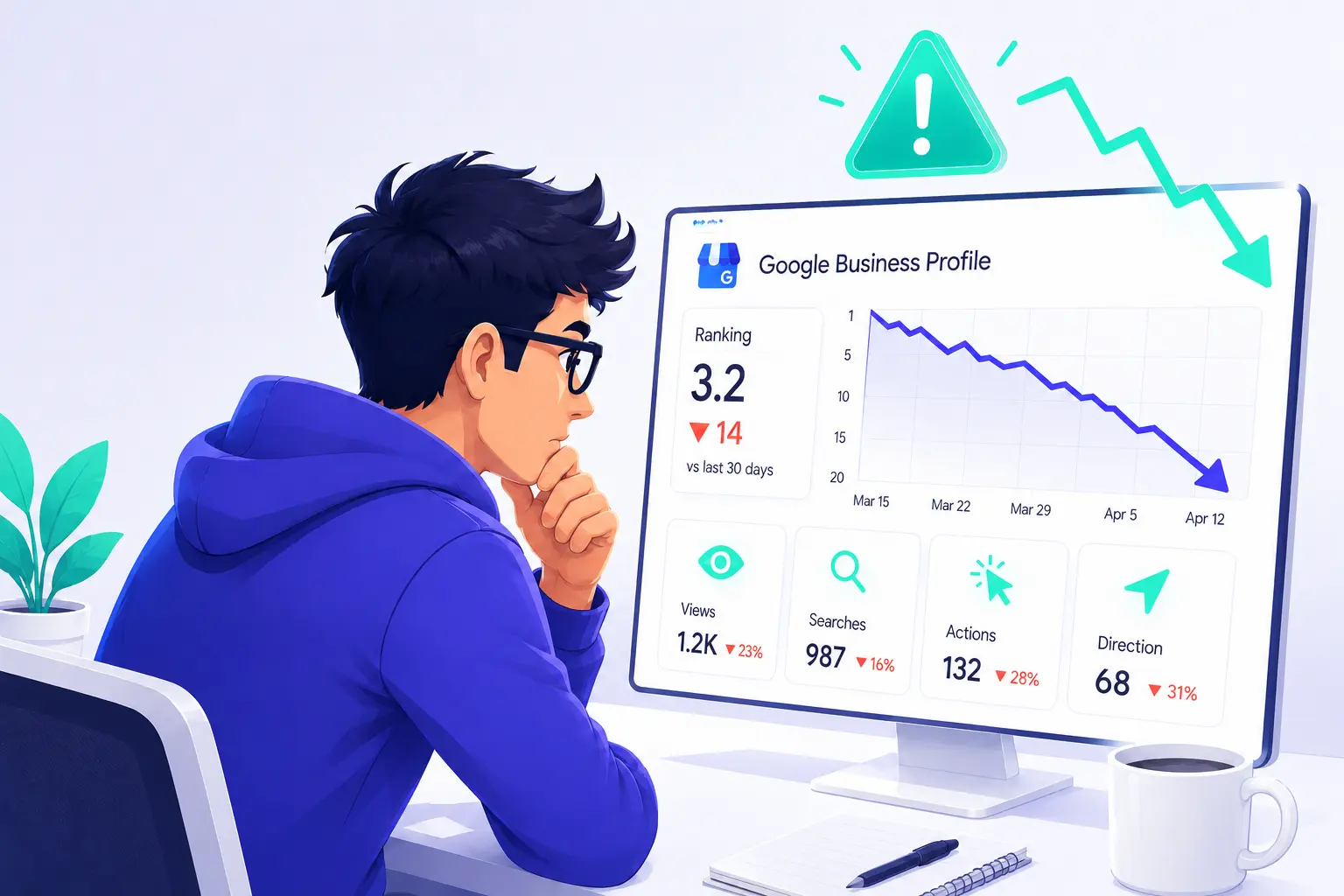
Are you like most business owners who respond to a Google Business Profile ranking drop the same way? They update their description, refresh a few photos, maybe change a category. A week later, nothing has improved. Sometimes things even get worse.
The problem is not the effort they are making. It is the order they do it in. In fact, changing visible elements of your profile before identifying the actual cause of the drop in rankings, is one of the most common mistakes in attempting local SEO recovery. A profile edit made at the wrong time can actually extend the problem rather than fix it.
What needs to be understood is that Google Business Profile rankings are influenced by a combination of factors including your GBP optimization, reviews activity, website health, competitor behaviour, and even algorithm changes. Any one of these factors can cause a drop in visibility, or it could be a combination of several parameters at once. Without a systematic approach, the risk is spending weeks making changes that have no impact on the real cause.
This guide is designed to serve as a diagnostic checklist for your business. It starts with the checks that matter most, then works outward from your profile to examine what is happening with external signals. Before changing anything, work through each section in this order. That way, you are identifying the cause first. Then fixing it.
Why Did My Google Business Profile Rankings Drop?
Google Business Profile rankings can drop for more than a dozen reasons. Before making any changes, work through each of these checks in order to identify the actual cause.
Check Whether Your Google Business Profile Has Been Suspended
Naturally, a suspended Google Business Profile will cause a sudden loss of local search visibility. So, Google may apply a soft suspension, where your profile remains visible but you lose management access, or a hard suspension, where your listing is removed from Google Search and Google Maps altogether.
How to Fix It
Your first challenge is to start by identifying the issue that triggered the suspension. Perform a review your profile against Google’s guidelines to uncover any causative problem, and correct the issue before taking further action.
Once that issue is resolved, submit a reinstatement request and provide any required documentation that proves your business is still legitimate. Make sure you avoid submitting repeated appeals without first fixing the underlying issue because this can delay the recovery process.
Review Recent Changes Made to Your Profile
Even legitimate edits of your profile can temporarily affect your Google Maps rankings. Any significant changes to your business name, address, phone number, categories, website URL, or business hours can trigger Google to reassess your profile.
Another common issue can be edits suggested by Google. In some cases, changes made from users, or by Google’s systems, can be applied automatically to your profile without your knowledge or approval.
How to Fix It
So, regularly review any recent profile changes and confirm that all the information is still accurate. You need to pay close attention to your business name, address, chosen categories, and your website URL.
If an incorrect edit has been applied, restore it with the correct information and allow Google time to process the update. Avoid making unnecessary changes while your rankings are unstable.
Analyze Your Primary and Secondary Categories
The categories you choose are among the strongest Google Business Profile ranking factors. Your primary category tells Google what your business does and influences the searches where your profile can appear.
One mistake is to choose a broad or less relevant category which can reduce visibility for your most valuable keywords and consequently reduce your ranking.
How to Fix It
Compare your categories with those of businesses ranking at the top for your most important keywords. Look for patterns in the primary categories that they use. Clearly, something is working for them.
However, only change your primary category if there is a better match for your main service. Keep secondary categories limited to services or goods that you actually offer because unrelated categories will weaken your relevance and negatively impact your rankings.
Audit Your Name, Address, and Phone Number Consistency
Google compares your business information across your website, other directories, and other online sources. If inconsistent business details are detected, it creates conflicting signals and reduces confidence in your listing.
Some common issues to watch out for include outdated phone numbers, different address formats, or variations in your business name.
How to Fix It
Start by checking your website and your most important citations, such as Yelp, Facebook, Apple Maps, and any major business directories that you appear in. Make sure your business name, address, and phone number are consistent across every platform.
Tools such as BrightLocal or Whitespark can help identify citation inconsistencies and reveal outdated listings. After correcting the issues, allow time for Google to recrawl those sources and process the updated information.
Review Customer Reviews and Engagement Trends
Good reviews and positive customer interactions help Google understand whether your business is active and trustworthy. A decline in review activity, an increase in negative reviews, or lower customer engagement can reduce your visibility.
How to Fix It
After completing a service or delivering a product, ask satisfied customers to leave honest feedback while the experience is still fresh for them.
Be sure to respond professionally to every review, including negative ones. Consistent review activity shows Google that your business remains active and trusted.
Check Whether Your Profile Has Become Inactive
An inactive profile will certainly lose its competitive advantage. On the other hand, businesses that regularly update their profiles with recent photos, regular posts, and relevant business information often maintain stronger engagement signals.
How to Fix It
Create a regular update schedule for your profile. Add recent photos of completed work, your team, your products, or your location. Regularly publish posts about business updates, promotions, special offers, or new services.
The goal is not to make random changes but to show Google that your business is active, engaging, and regularly serving customers.
Review Your Service Area and Business Location Settings
For service area businesses, your service areas, business location, and map pin placement can affect local relevance. An incorrect pin location, inaccurate address information, or a business location placed at the edge of a target area can negatively influence your visibility in certain areas.
How to Fix It
Check that your business pin is placed in the correct location on Google Maps and matches your actual business address. If your location is close to a city boundary, understand that your visibility may be stronger in nearby areas and weaker farther away, due to Google’s proximity factor.
Analyze Changes in Local Competition
However, your rankings may drop even if nothing has changed on your profile. A real possibility is that your competitors may be gaining more reviews, improving their category selections, strengthening their websites, or perhaps investing more effort into their local SEO.
How to Fix It
Don’t be afraid to compare your profile with those competitors ranking above you. Analyze any differences in reviews, photos, categories, website quality, and overall optimization. What are they doing better?
Identify the biggest differences and prioritize improvements on your own profile that should have the greatest impact on increasing your visibility.
Inspect Your Website’s Local SEO Health
Your business website supports your Google Business Profile rankings. Any technical issues or weak local SEO signals can reduce your ability to compete well in local searches.
Common issues can include slow page speed, mobile usability problems, broken links, missing location pages, weak internal linking, or outdated or conflicting business information.
How to Fix It
You can start by checking the Google Search Console for indexing issues, crawl errors, manual actions, or pages that may have dropped out of Google’s index.
Immediately resolve those technical issues.
Consider Recent Google Algorithm Updates
Google regularly updates its local search systems, which can change how ranking factors are evaluated and cause sudden drops in visibility.
How to Fix It
Compare the date of your ranking drop with known Google update timelines using the Google Search Status Dashboard. SEO tools like SEMrush and Ahrefs publish algorithm update trackers that flag widespread ranking volatility. Industry publications like Search Engine Land and Search Engine Roundtable also cover updates as they happen.
If the timing lines up with a confirmed update, hold off on making major changes and allow results to stabilize before adjusting your strategy.
Understand How AI Overviews Affect Local Visibility
AI Overviews have changed the appearance of some search results. For certain information searches, Google may display AI generated answers above the local Map Pack or remove the Map Pack entirely.
This can create the impression that your rankings have dropped, even though the search result layout has changed.
How to Fix It
Conduct a comparison of the keywords where you lost visibility with the current search results. Search those terms manually and check whether AI Overviews are appearing above them or even replacing the local Map Pack.
How to Monitor Performance After Fixing a GBP Ranking Drop
Identifying and fixing the issue is only part of the recovery process. Without monitoring what happens afterward, you can’t determine whether the fix worked or whether another issue is still limiting your visibility.
So, start with your Google Business Profile Performance data. Carefully monitor profile views, search queries, phone calls, direction requests, and website clicks on a monthly basis. Avoid trying to analyze weekly fluctuations, they are common and can lead to incorrect conclusions. Look for a consistent improvement over a period of four to six weeks, rather than focusing on individual days.
For a more accurate reflection of your local visibility, use a grid tracking tool such as Local Falcon or BrightLocal. These handy tools show how your Google Business Profile ranks across multiple points in your service area, instead of providing just a single average ranking.
Also, monitor your review velocity. Track how many new reviews you receive each month and compare your growth against the top competitors in your market. A steady increase in high-quality reviews signals ongoing trust and relevance.
Most importantly, give your changes enough time to filter through and take effect. Profile edits and category adjustments may take two to four weeks to influence your rankings. On the other hand, citation corrections and website improvements may require four to eight weeks or even longer.
So, it’s important to avoid making additional changes during the evaluation period. Changing multiple variables at once makes it difficult to identify exactly what caused the improvement or decline.
Conclusion
A Google Business Profile ranking drop rarely happens without a reason. It may be a result of profile issues, weaker relevance signals, stronger competitors, website problems, or changes in Google’s search systems.
Your most effective strategy is to diagnose the actual cause before making any changes. Make a start with your profile settings and its accuracy, then review your reputation, activity, competition, website, and external changes.
Don’t despair. Most ranking drops are recoverable. Businesses that maintain accurate information, request customer reviews consistently, keep their profiles active, and continue improving their local SEO, have the best chance of regaining and maintaining strong Google Maps visibility.